1. Install KiddOS
Free download from the App Store or Google Play. The core experience is free forever, with no account, no signup, and no email required.
A safe pretend phone app for kids.
Install KiddOS, lock it to the screen, and hand over pretend calls, messages, books, KidTube, music, games, Buddy, and avatars — with no ads, no tracking, and no open web.
KiddOS started from the everyday moment a child wants your phone before they are ready for the real one. It is designed for safe pretend play first: no account, no cloud, no ads, no tracking, and a lock that keeps the app on screen.
KiddOS is an app you install on your phone and lock onto the screen. The lock is the whole trick — once it's on, the Home button stops being a way out.
Free download from the App Store or Google Play. The core experience is free forever, with no account, no signup, and no email required.
Turn on Guided Access (iPhone, iPad) or App Pinning (Android). A tap on Home can't escape to your real apps, messages, or browser.
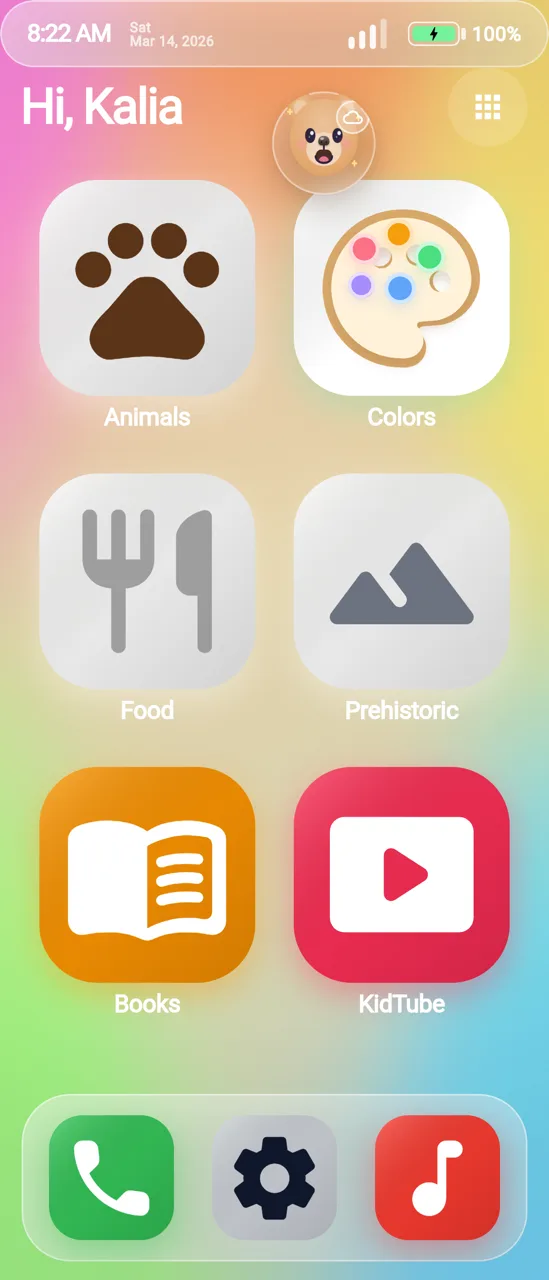
They get a pretend phone with calls, messages, books, videos, music, and games. You get your phone back when you want it.
The home screen grows from Baby to Toddler to Preschool, then Classic Phone and All Apps when your child is ready for the real-phone feel.
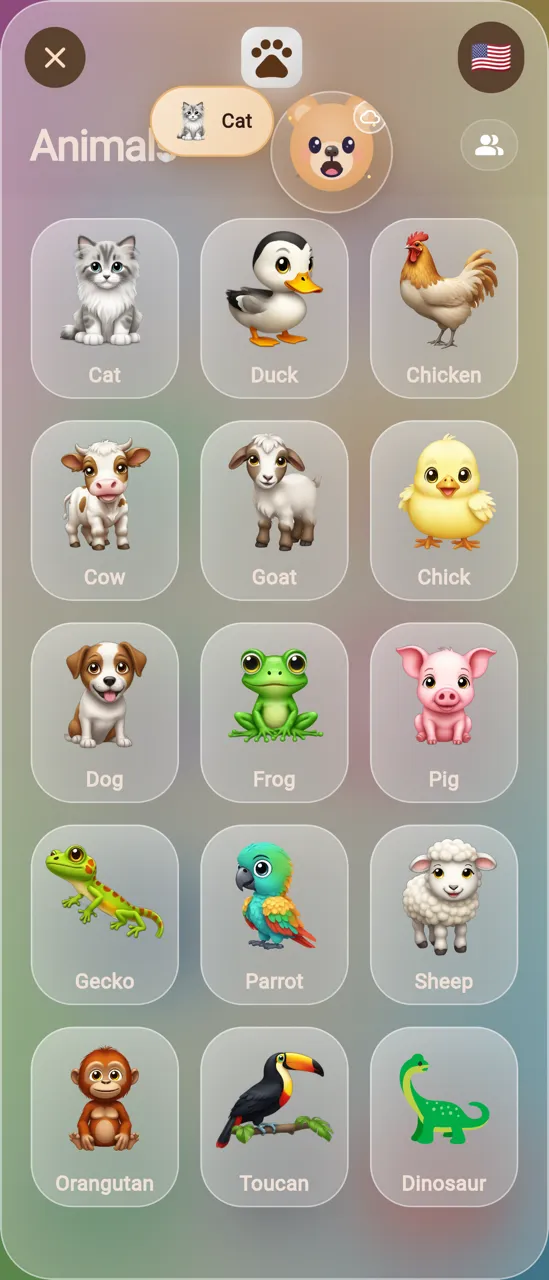
Fewer choices, bigger taps, and simple sound-and-picture play.
More discovery with animals, colors, photos, notes, books, and KidTube.
Folders, app shop choices, pretend messages, music, games, and creative tools.
A real-phone-feel layout after Preschool, still inside KiddOS safety.
The full app view when your child is ready for the widest KiddOS experience.
Buddy greets your child by name, has a different hello for every app, and watches their finger with expressive eyes. He celebrates when they finish a story, helps the room dim at bedtime, narrates pretend sending and receiving, and speaks the family's chosen language.
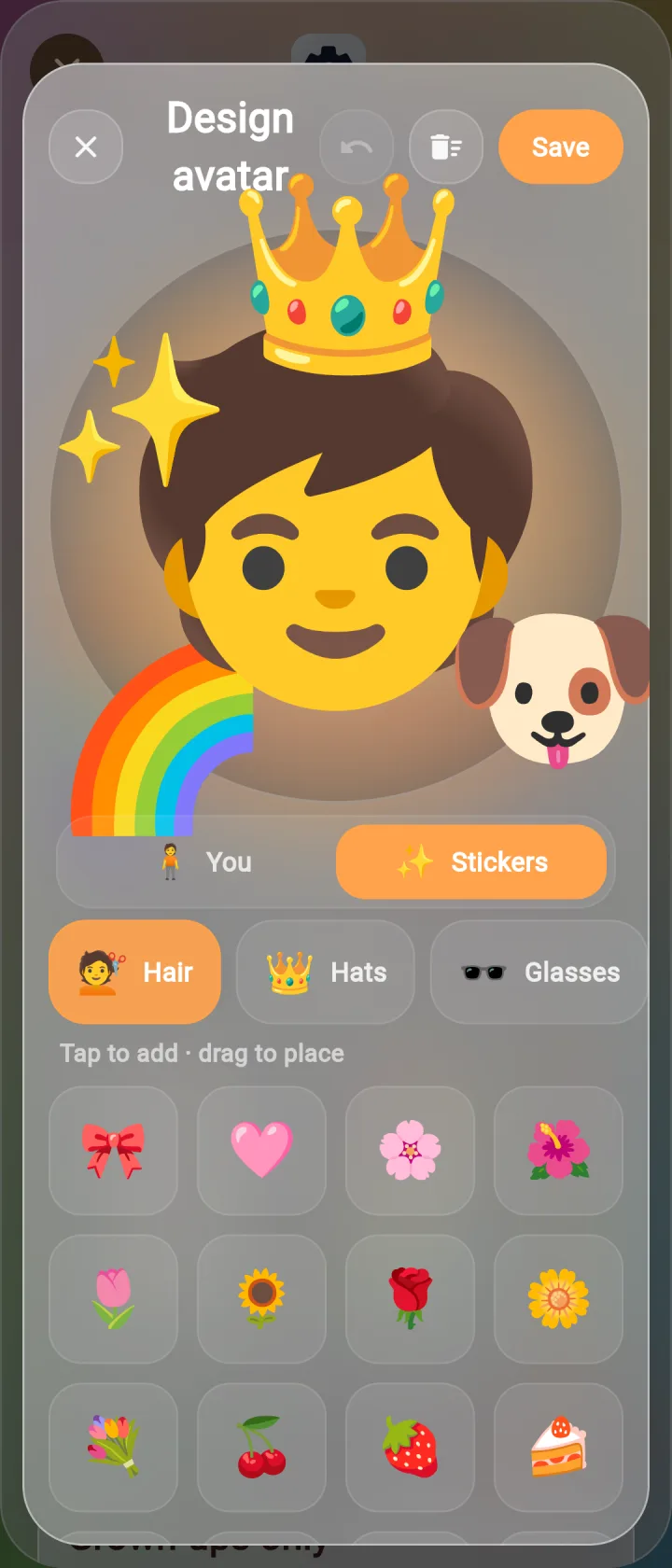
Your child designs their own avatar too: Buddy's student. Friends see each other's avatars in nearby play.
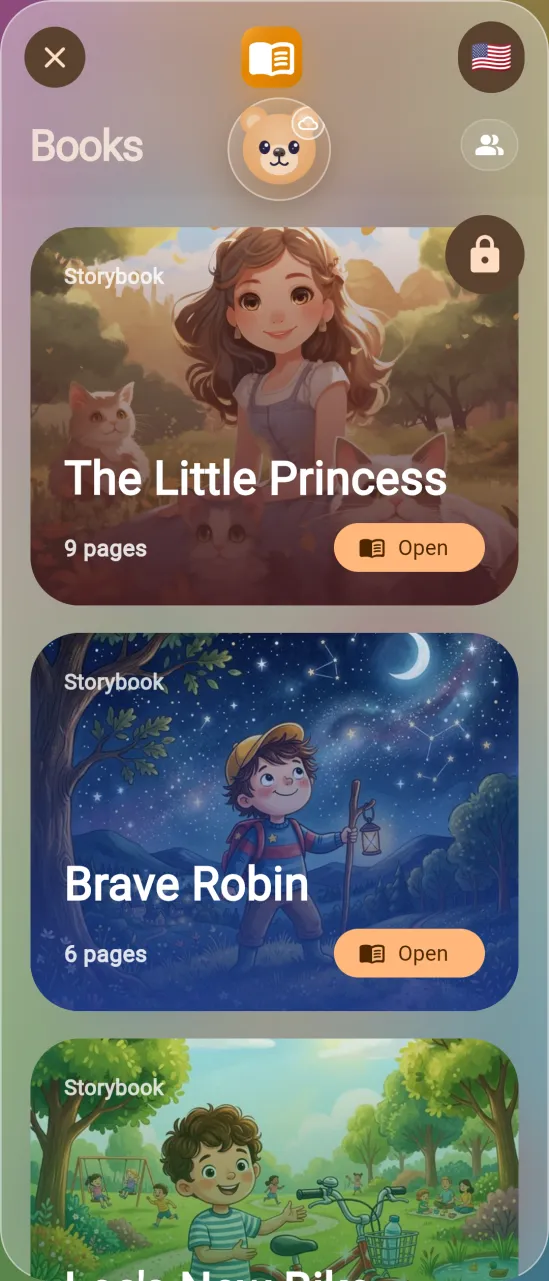
KiddOS includes classic read-along storybooks, and Buddy celebrates when a story is finished.
KiddOS supports 61 language choices for speech and play, so pretend phone moments can feel familiar at home. The speaking voice can differ from the display language.
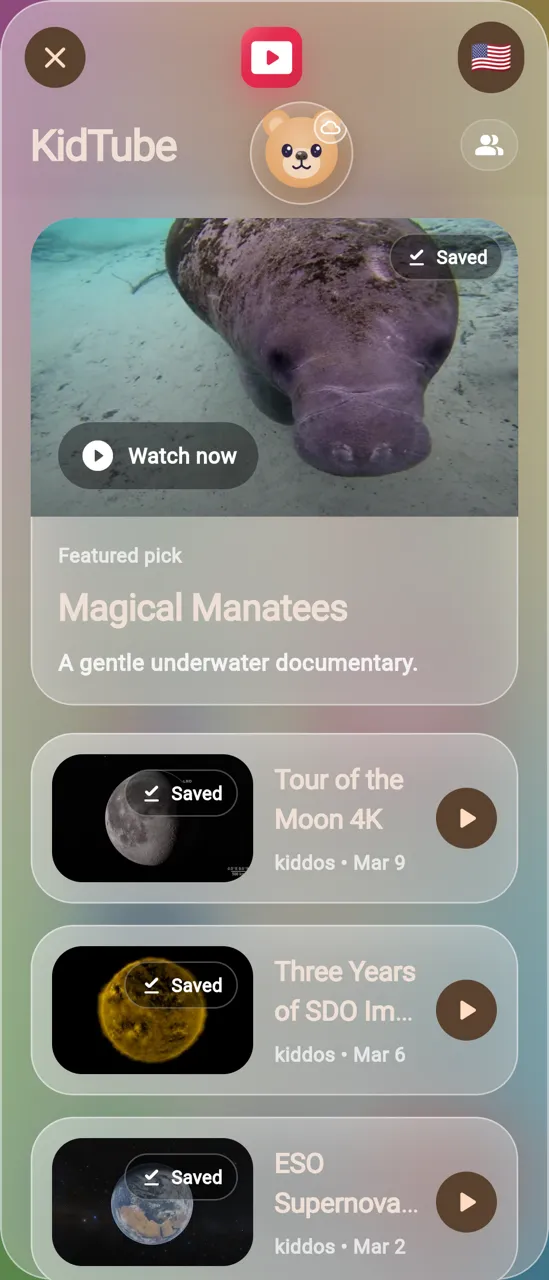
KidTube is built for the parent who wants safe video without the algorithm. Parents approve the channels and playlists, saved videos work offline, and there are no random videos.
KiddOS is an app you install on your iPhone, iPad, or Android phone. When you hand the phone to your child, you lock them into KiddOS so they get the feeling of their own phone without touching yours.
Not when you turn on the phone lock. iOS Guided Access and Android App Pinning are free, built-in features that keep your child inside KiddOS until you enter your passcode or use your fingerprint. The 5-minute parent setup guide walks through both, step by step.
No. The mini-apps, pretend calls, pretend messages, music, books, and saved KidTube videos all work offline. There is no open web inside KiddOS.
KiddOS is free to install, and the core experience is free forever. Star Pass is one optional subscription that unlocks all premium apps. There are no ads either way, and you can cancel anytime.
No ads, no tracking, no cloud, and no account sign-up. KiddOS does not run advertising, does not require an email or login to use, and everything stays on the device. Uninstall KiddOS and it is gone.
Buddy is the mentor at the center of KiddOS: he greets your child by name, has a different hello for every app, follows their finger with his eyes, celebrates story finishes, helps bedtime wind down, narrates pretend sending and receiving, and speaks the family's chosen language.
KiddOS has five age modes — Baby, Toddler, Preschool, Classic Phone, and All Apps — that scale up as your child is ready.
No. Phone, contacts, and messages inside KiddOS are pretend-only. With the phone lock on, your child also can't reach your real Phone, Messages, or Mail apps.
KidTube is a parent-picked video player, not YouTube. There are no recommendations, no autoplay rabbit holes, and no random videos. You pick the library; saved videos play offline.
61 language choices, including English, Spanish, French, German, Mandarin, Hindi, Arabic, Japanese, Portuguese, and many more — so pretend play can happen in the language you speak at home.
KiddOS is built for your family, so you get a say. See the most-wanted leaderboard, suggest your own idea, and check off everything we've already shipped. A quick email confirmation keeps it spam-free.
Free to install. The core experience is free forever, and Star Pass is optional. Still deciding? Get the 5-minute setup guide for iPhone and Android.